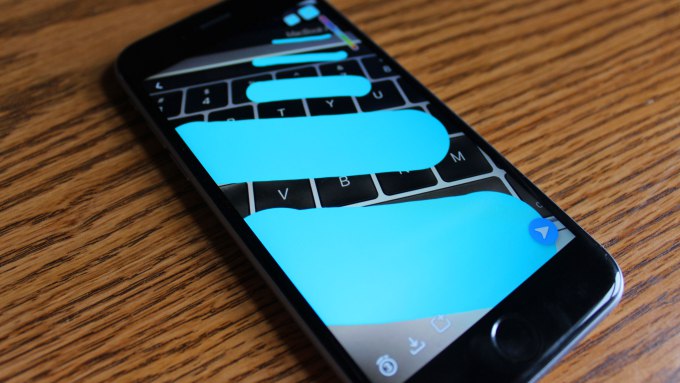
Yesterday Snapchat tweaked their drawing tool so you can draw thicker lines on your snapsterpieces. To change your brush size all you have to do is select a color to draw with, then use two fingers to “pinch” in or out to make the brush size bigger or smaller. Read More on Tech Crunch


Leave A Comment